If you find that multitasking is slow on your iPhone or iPad, you might need to turn off the Accessibility Shortcut.
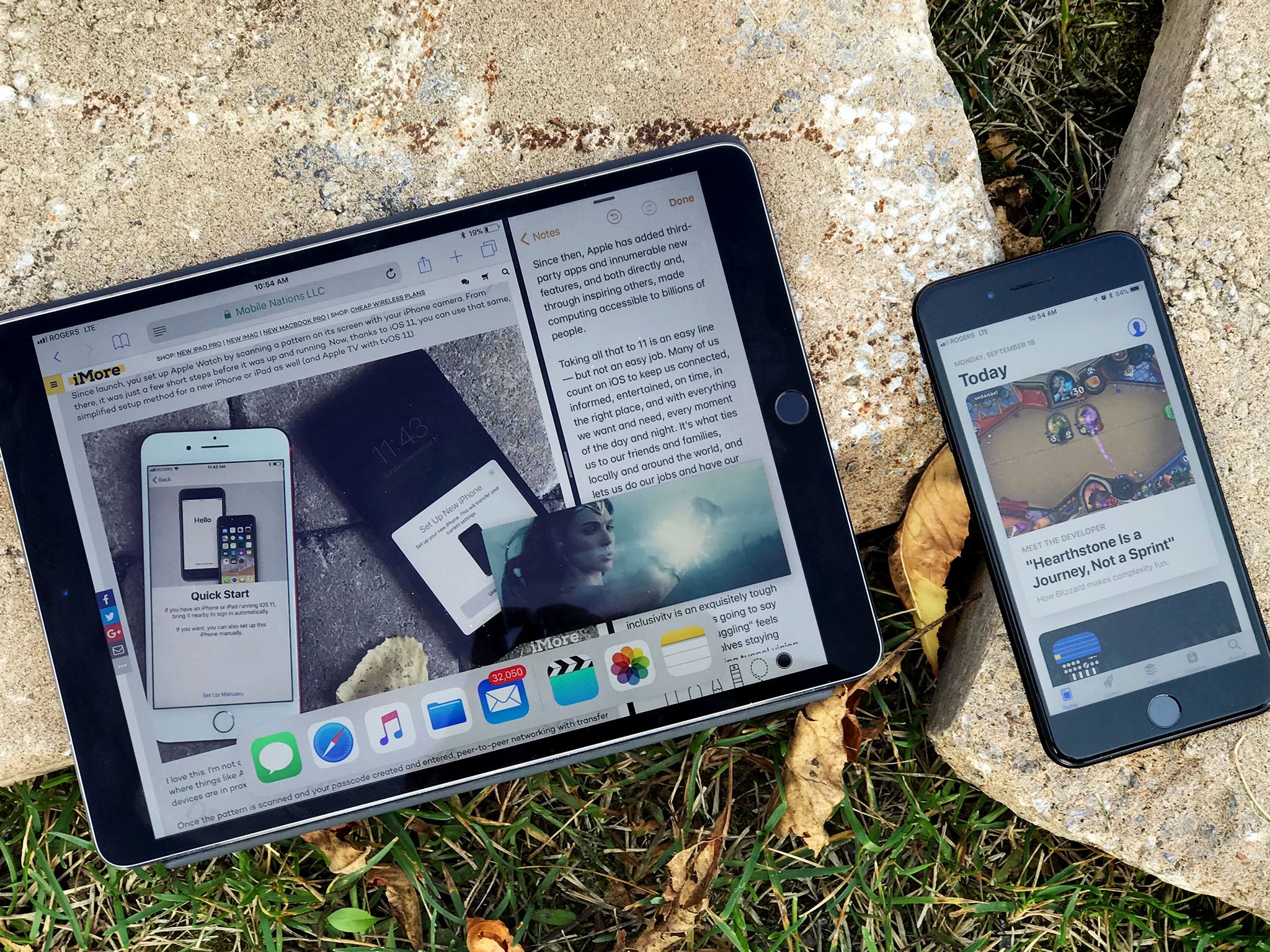
If you've got an iPhone 8 or older or any iPad, you might sometimes notice a delay when you try to activate multitasking by double-pressing the Home button. This is likely due to the iOS Accessibility Shortcut, which lets you quickly access several accessibility features by triple-pressing the Home button. Because this feature uses the triple-press, iOS waits a moment for the third press before registering that it isn't coming and activating multitasking.
Interestingly, iPhone X owners don't face this particular problem, as the shortcut is activated by triple-clicking the side button on that device. However, they might notice a similar delay when trying to manually activate Apple Pay, which is done with two clicks of the side button.
The solution to slow multitasking activation is to turn off Accessibility Shortcut completely. The good news is that this is easy to do.
How to turn off Accessibility Shortcut to speed up multitasking
- Open Settings on your iPhone or iPad.
- Tap General.
Tap Accessibility.
![]()
- Tap Accessibility Shortcut.
Tap any of the shortcuts with a checkmark next to them to turn them off.
![]()


With all of the options unchecked, Accessibility Shortcut should now be turned off. You can now resume multitasking at the intended speed.
Question
Let us know in the comments if you have any other questions about speeding up multitasking on your iPhone or iPad.


/pic9702455.jpg)


![Yuri Semenov YS Stereo Makeup v1.0.1 WiN Mac [FREE]](http://audioz.download/uploads/posts/2026-07/thumbs/1784473270_755743290.webp)
![Xamã & LUDMILLA – Moça – Single [iTunes Plus M4A]](http://i.imgur.com/olB1GdD.png)